
Sky Exchange Account Safety: Simple Tips for Users
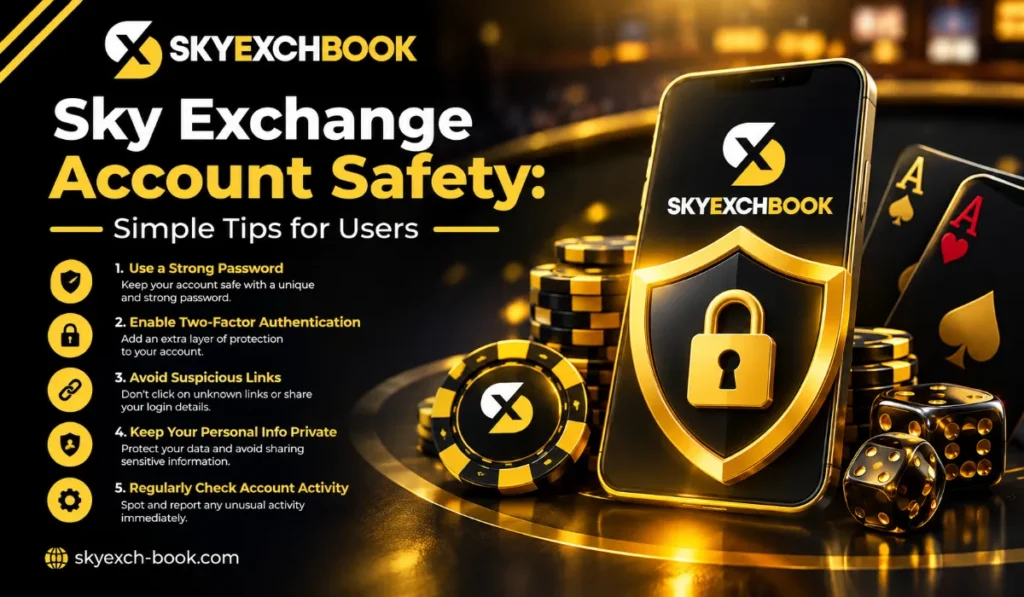
To keep your Sky Exchange account safe, you need to build habits to protect your personal information. One of the reasons why many account problems happen is because users share their login details or click on unsafe links from unknown sources.
Users should keep their account information with extra care to keep it safe and stay away from problems that could result in financial losses.
Keep Your Password Private
Do not share your Sky Exchange password with anyone.
Do not share your password through WhatsApp, social media, email, or messages. Don’t believe a person if they pretend to be customer support from the website and ask you to share your information.
Make sure that your password is strong and not easily guessed by others. Don’t include your name, date of birth, or phone number in your password.
Do Not Share OTPs
Never give your OTP to someone else.
This one-time password is generated for your use only. You should not share it with anyone, even if they request it.
This also applies if someone tells you that they need the code for your account verification or to confirm a payment.
Check Links Before Opening Them
Fake websites look exactly like legit websites.
Before you try to log in, make sure, by looking at the web address, that you are on the real site. Stay away from links coming from strangers or random social media pages.
A link that seems suspicious should not be clicked on.
Avoid Unknown Apps and Files
Avoid downloading apps or files from websites that you don’t know or trust.
An unknown file may be a virus, and it can infect your phone or computer, leak your personal information, and cause serious security issues.
Only download software or applications from reliable sources.
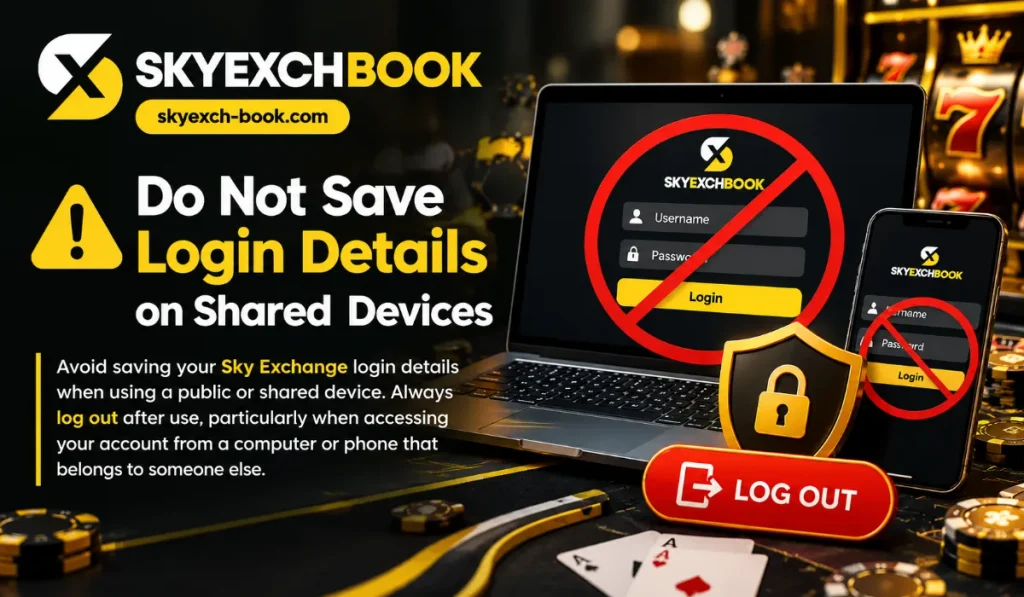
Do Not Save Login Details on Shared Devices
Avoid saving your Sky Exchange login details when using a public or shared device. Always log out after use, particularly when accessing your account from a computer or phone that belongs to someone else.
Watch Your Account Activity
Keep a close eye on your account and its transaction activity.
If you see something like an unauthorized login, transaction, or account change that should not have happened to you, then immediately change your password and reach out to the support team via an official website.
Be Careful With Messages
You may receive messages that promise offers or updates, but be cautious of such messages, as these messages are mostly fraudulent. Engaging with such messages will cause losses. If you are ever asked for your password, OTP, payment details, or any other confidential data by anyone, do not respond. Don’t trust messages that make any kind of promises of winning or any special offers without confirming the authenticity of the sender.
These types of guarantees or promises may be used to get you to share your personal details. Do not share bank details if a person promises any free money or any refund.
Use Official Support Channels
If you have a problem with your account on Sky Exchange, go to the official support page.
Don’t let anyone unknown contact you through social media, email, or mobile phone and fool you by pretending to be the official customer support. Just because an individual claims to work on the support team doesn’t automatically confirm their authenticity.
Log Out After Use
Always sign out after using your account, especially on a public device or public network. Such small actions prevent a different person from opening your account and logging in. It only takes a few seconds, so make it a habit.
Final Words
Protecting your Sky Exchange account doesn’t mean that one must adopt extreme measures. Keeping your account safe is based on having good habits that make sure you are keeping your privacy. There are some simple things users should keep in mind to protect their account; these are having a good, strong password, not sharing your verification code or password, and always verifying that the websites that you visit are original and not fake websites. Only download apps or documents from your verified sources.
Also, if you find something odd in your account activity, don’t overlook it; take steps to secure your account immediately and seek help from the help channel available on the website
Frequently Asked Questions
How can I keep my Skye Exchange account safe?
Use a strong password, keep your OTP private, and avoid suspicious links and websites.
Should I share my Skye Exchange OTP?
No. Never share your OTP, password, or other confidential account details.
What should I do if I notice unusual account activity?
Change your password immediately and contact support through the official website.
Is it safe to click unknown Skye Exchange links?
Avoid unknown links. Check the website address before entering your login details.
Author